 Jam AI
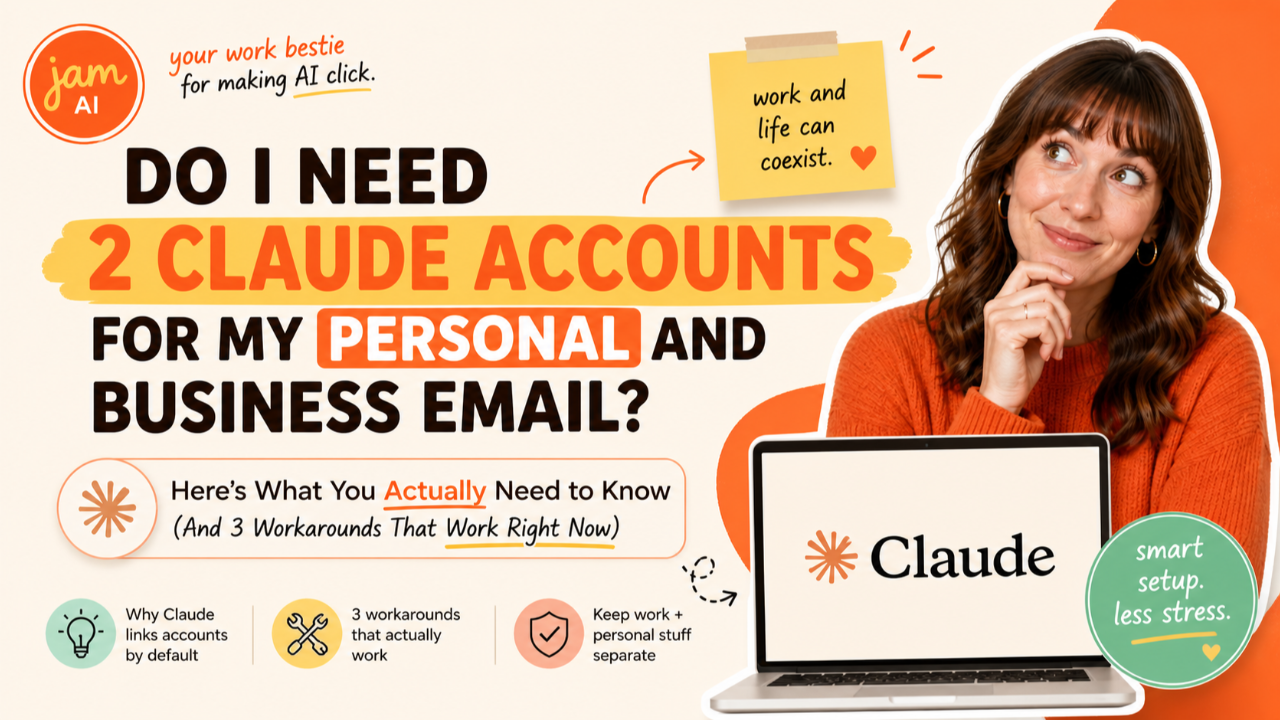
I get this question constantly. Like, every single week someone in my community asks a version of it:
"Jam, I have a personal email and a business email. Do I need to pay for two Claude accounts?"
"Can Claude see both my inboxes at the same time?"
"I connected my personal Gmail but now Claude can't see my business emails. Am I doing something wrong?"
You're not doing anything wrong. And no, you do not need two Claude accounts. But the answer has a little more nuance than a simple yes or no, so let me break the whole thing down so you know exactly what's going on and what to do about it.
The Short Answer
You only need one Claude account. Period. One subscription covers everything: your AI conversations, your memory, your skills, your connectors, all of it. Whether you're working on personal stuff or business stuff, it's all one Claude.
The part that trips people up is the email connector. Right now, Claude's built-in Gmail connector supports one Google account at a time. You can connect your personal Gmail or your business Gmail, but not both simultaneously. That's a connector limitation, not an account limitation.
Your Claude account is not the same thing as your connected email account. Claude is your AI. Gmail is just one of the tools plugged into it. You wouldn't buy a second phone because you have two email addresses. Same logic applies here.
Why It Works This Way (For Now)
When you connect Gmail to Claude, you're authenticating with one Google account through OAuth. That's the standard secure login process where you sign in with your Google credentials and authorize Claude to access your inbox. Claude then operates within the permissions of that one account. It can only see what that account can see.
This same limitation applies to Google Calendar and Google Drive. Whichever Google account you connect is the one Claude can access across all three services. If your business calendar lives under a different Google account than your personal email, Claude can only see one side at a time.
Is this annoying? Yes. Is Anthropic aware? Absolutely. Multi-account connector support is one of the most requested features in the entire Claude community. Developers have been filing feature requests since early 2026, and the demand is loud and clear. But as of right now, native multi-account support hasn't shipped yet.
So what do you do in the meantime?
Workaround 1: Email Forwarding (The Easiest Fix)
This is the workaround I recommend to most entrepreneurs because it takes about 5 minutes, requires zero technical skills, and solves 90% of the problem.
Here's the idea: pick the email account you use most for business and connect that one to Claude. Then set up forwarding from your other account so important emails land in your connected inbox too.
How to set it up:
In the Gmail account you want to forward FROM (let's say your personal email), go to Settings, then "See all settings," then the "Forwarding and POP/IMAP" tab. Click "Add a forwarding address" and enter your business email (the one connected to Claude). Confirm the verification email, and choose whether to forward all mail or set up filters to only forward specific types.
Pro tip: You probably don't want to forward everything. Set up a Gmail filter to forward only emails from specific senders or with specific keywords. That way your business inbox doesn't get cluttered with your personal newsletters and online shopping receipts.
Bonus move: In your connected Gmail account, go to Settings, then "Accounts and Import," then "Send mail as," and add your other email address. Now when Claude drafts an email for you, you can choose which address to send it from. One inbox, two identities.
This is the low-tech, high-impact solution. Claude can now search and find emails from both accounts in one place, and you didn't have to install anything or write a single line of code.
Workaround 2: Switch Accounts When You Need To
If forwarding doesn't fit your workflow (maybe you need to keep the inboxes completely separate for compliance or privacy reasons), you can simply switch which account is connected.
Go to Settings, then Connectors. Click on your Google connector. Disconnect. Then reconnect with your other Google account. The whole switch takes about 30 seconds.
This works well if your work is naturally divided. Maybe mornings are business mode and evenings are personal. Or maybe you only need Claude to touch your personal email once a week. Switch when you need to, switch back when you're done.
The important thing to know: switching your connected Google account does not affect anything else about your Claude setup. Your memory stays. Your skills stay. Your preferences stay. Everything Claude has learned about you and your business is tied to your Claude account, not to your Google account. You're just swapping which inbox it can see.
Workaround 3: Copy and Paste (The OG Method)
Sometimes the simplest solution is the best one. If you just need Claude to help you draft a reply to a specific email, respond to a client message, or analyze a conversation thread, you can always copy the email content and paste it directly into your Claude conversation.
I know, I know. The whole point of connectors is to stop copy-pasting. But for the occasional email from your non-connected account, this is still faster than switching accounts or setting up forwarding. And Claude doesn't care where the text came from. It works with whatever you give it.
This method is especially useful for one-off situations. A client sends a long, complicated email to your secondary address. You copy it, paste it into Claude, and say "help me draft a professional reply to this." Done in 30 seconds. No connector needed.
What About Outlook, Yahoo, or Other Email Providers?
The Gmail connector specifically works with Google accounts (including Google Workspace business accounts). If you use Outlook or another email provider, the same one-account-at-a-time principle applies to any connector. Each connector authenticates with one account.
If you use Gmail for personal and Outlook for business (or vice versa), you're actually in a slightly better position. You can connect Gmail AND a separate Outlook/Microsoft 365 connector at the same time, because they're different connectors. The limitation is one account per connector, not one email account total.
So if your personal email is Gmail and your business email is Outlook, connect both. Claude can access both inboxes simultaneously because they're running through different connectors. That's actually the ideal setup if you happen to use different providers.
The Bigger Picture: Why One Claude Account Is All You Need
Let's zoom out for a second, because I think the email question is really a symptom of a bigger misunderstanding about how Claude works.
Your Claude account is your AI headquarters. It's where your memory lives (all the things Claude has learned about you and your business). It's where your skills are stored (your custom workflows and brand guidelines). It's where your connectors plug in (Gmail, Calendar, Drive, Canva, Stripe, and everything else). It's where your conversation history sits.
None of that is tied to your email address or your connected apps. It's all tied to your Claude login.
If you paid for two Claude subscriptions just to connect two Gmail accounts, you'd have two completely separate AI environments. Two separate memories. Two separate skill sets. Two separate conversation histories. Claude wouldn't know that both accounts belong to the same person running the same business. You'd lose the entire compound benefit of having one AI that knows your whole picture.
That's the opposite of what you want.
One Claude account. One memory. One set of skills. One AI that gets smarter about your business over time. That's the setup. The email connector is just one small piece of that puzzle, and the limitation is temporary.
What's Coming Next
Multi-account connector support is actively being requested and discussed in the Claude developer community. While Anthropic hasn't announced an official release date, the pattern is clear: the connector directory has grown from a handful of integrations to over 200 in less than a year. Features that users ask for loudly tend to ship. I'll update this post when multi-account support lands.
In the meantime, the forwarding workaround handles this beautifully for most entrepreneurs. Five minutes of setup and you're done.
Frequently Asked Questions
Can Claude connect to more than one Gmail account at the same time?
As of May 2026, Claude's built-in Gmail connector supports one Google account at a time. You can connect your personal Gmail or your business Gmail, but not both simultaneously through the native connector. This is one of the most requested features from users and Anthropic is aware of the demand, but multi-account support has not been officially released yet.
Do I need two Claude subscriptions for my personal and business email?
No. You do not need two Claude subscriptions. One Claude account handles all of your AI work regardless of how many email accounts you have. The email connector limitation only affects which inbox Claude can directly search and draft from. You can still copy and paste email content from any account into Claude, switch which account is connected at any time, or use workarounds like email forwarding to consolidate important messages into one inbox.
Can I switch which Gmail account is connected to Claude?
Yes. You can disconnect one Gmail account and connect a different one at any time. Go to Settings then Connectors, click on your Google connector, disconnect, and reconnect with a different Google account. The switch takes about 30 seconds. This is useful if you primarily need Claude to access one inbox during certain tasks and a different inbox during others.
Does the one-account limitation apply to Google Calendar and Google Drive too?
Yes. The Google Workspace connector authenticates with one Google account, which covers Gmail, Google Calendar, and Google Drive together. Whichever Google account you connect is the one Claude can access for email, calendar, and files. If your personal calendar and business calendar are on different Google accounts, Claude can only see one at a time through the native connector.
What is the best workaround for multiple email accounts in Claude?
The simplest workaround for most entrepreneurs is to set up email forwarding from your secondary account to your primary connected account. Gmail lets you forward all incoming mail or set up filters to forward only specific types of messages. This way Claude can search and find emails from both accounts in one inbox without any technical setup. You can also add your secondary email as a send-as address in Gmail so Claude can draft replies from either address.
Will Claude eventually support multiple email accounts?
Multi-account connector support is one of the most requested features in the Claude community. Multiple feature requests have been filed and acknowledged by Anthropic. While there is no official release date, the demand is clear and the feature is actively being discussed. In the meantime, workarounds like email forwarding, account switching, and the copy-paste method work well for most small business owners.
Does my Claude memory and preferences carry over if I switch connected Google accounts?
Yes. Your Claude memory, preferences, skills, and all other settings are tied to your Claude account, not to your connected Google account. Switching which Gmail account is connected does not affect anything else about your Claude setup. Your brand voice, your saved workflows, your conversation history, and everything Claude has learned about you stays exactly the same.
The Bottom Line
One Claude account. That's all you need. Connect whichever email is most important to your daily work, set up forwarding from the other one if you want Claude to see both, and get back to building your business.
The connector will catch up. Your AI doesn't have to wait.
Ready to put AI to work in your business? Grab Jam's free AI Starter Toolkit at jamout.ai and start saving time this week.