ChatGPT Just Became Your Free Graphic Designer: 12 Image 2.0 Prompts Every Entrepreneur Should Steal
Apr 28, 2026Most entrepreneurs spend somewhere between 200 and 2,000 dollars a month on graphic design. Stock services, fiver freelancers, Canva Pro, the works. As of April 21, 2026, that whole line item just got optional.
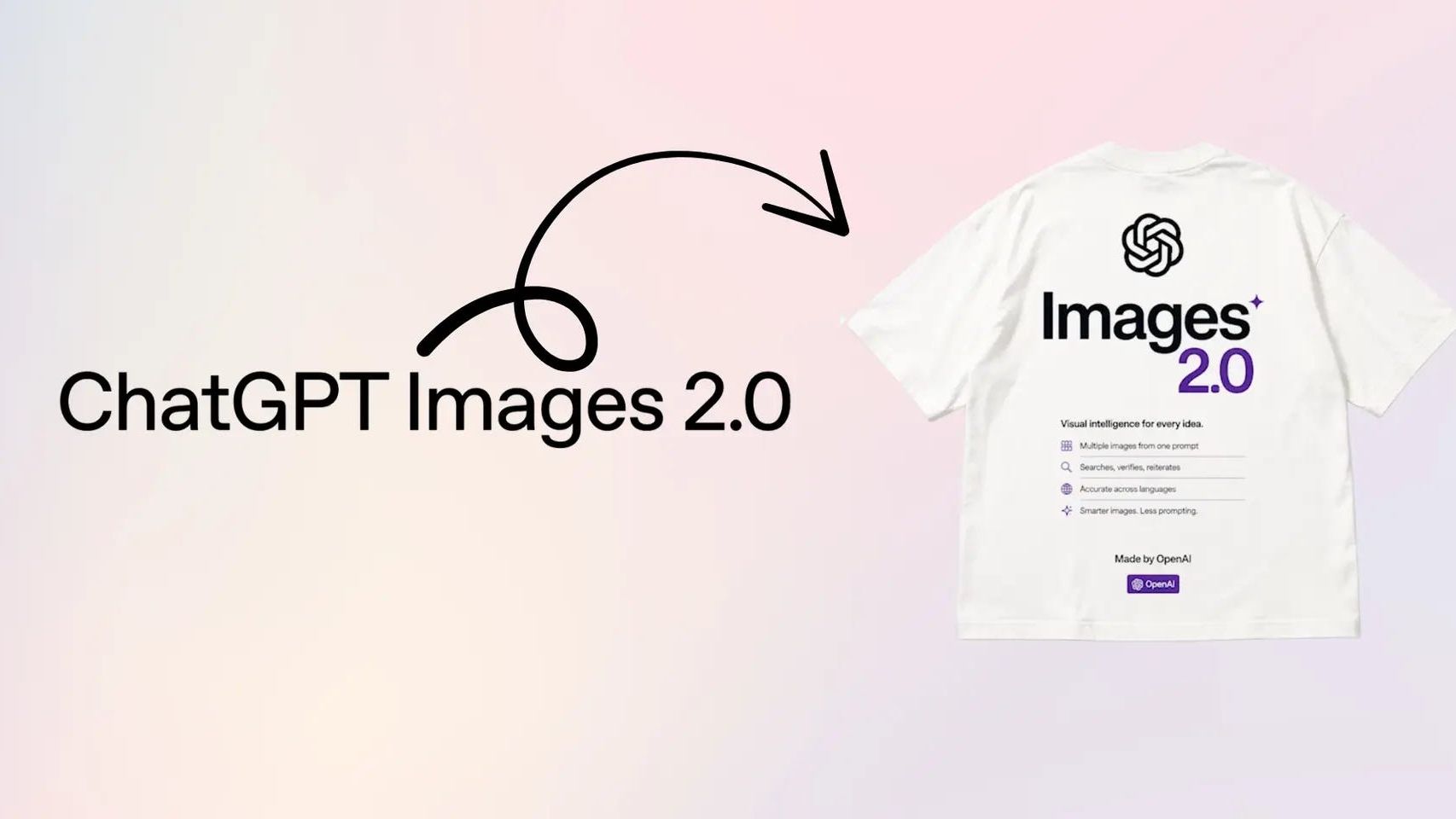
OpenAI launched ChatGPT Images 2.0, and it is genuinely different from every AI image tool that came before it. It reads text. It thinks before it draws. It builds full sets of matching graphics from a single prompt. And the base version is free for every ChatGPT user, including the free plan.
This post breaks down what changed, why it matters for your business, and twelve ready-to-paste prompts you can use this week to replace half of what you used to outsource.
What Actually Changed in ChatGPT Images 2.0
The old version of ChatGPT image generation was fun but unreliable. You would type a prompt, it would spit out a graphic, and the text on it would say something like "Bussines Conferense 2O26" with letters floating sideways. Useful for memes. Not useful for your real work.
Images 2.0 fixed the three things that kept this tool out of real business workflows: text accuracy, layout intelligence, and brand consistency.
Text Rendering That Actually Works
This is the headline upgrade. Previous models warped letters, misspelled words, and ignored your typography instructions. Images 2.0 handles full sentences, headlines, captions, menus, infographic labels, and even handwritten notes with correct spelling and clean alignment. It also supports high-fidelity text in Japanese, Korean, Chinese, Hindi, and Bengali, which opens up an entire global market for solo creators.
Thinking Before Drawing
This is the part that breaks the old mental model. When you use Thinking mode on a paid plan, the model spends time reasoning through your prompt before it generates anything. It can search the web for context, plan the layout, generate multiple options, and even review its own output before delivering. OpenAI calls this a shift "from rendering to strategic design."
Translation: you can hand it a vague brief like "make a launch announcement for my Tuesday workshop" and it will figure out the visual hierarchy on its own. That used to be a designer's job.
Up to Eight Coherent Images From One Prompt
If you have ChatGPT Plus, Pro, or Business, Thinking mode can generate up to eight images from a single prompt with consistent characters, objects, and styles across the whole set. A full week of social graphics. An entire carousel. A matching set of email headers. One prompt. Eight outputs. All on brand.
Why This Matters for Solo Entrepreneurs and Small Businesses
For the past three years, AI image tools have been impressive party tricks. Fun for novelty art. Useless for the actual graphics your business runs on. That is no longer true.
If you are a coach, consultant, course creator, service provider, or any kind of solopreneur, you can now produce professional-looking graphics for:
- Instagram and LinkedIn posts
- Event flyers and webinar promos
- Lead magnet covers
- Email headers and newsletter graphics
- Sales page hero images
- Podcast cover art
- Simple infographics
- Product mockups for your offers
- YouTube thumbnails
- Presentation slide visuals
The real win is not just saving money. It is collapsing the time between idea and asset from days to minutes. When you can spin up a polished graphic in two minutes, you start showing up more consistently, testing more ideas, and shipping faster than businesses still booking turnaround time with a freelancer.
The 12 Prompts to Steal This Week
Every prompt below is built to work with Images 2.0. Copy, paste, swap the bracketed pieces for your own details, and run it. Pro tip: if you want eight matching variations, add "generate 8 variations with consistent style and color" to any of these prompts in Thinking mode.
1. Social Media Quote Graphic
Best for: daily posts, motivational content, branded quotes
Create a square 1:1 social media graphic on a soft cream background with a subtle paper texture. Bold quote in the center reads: "[YOUR QUOTE HERE]." Use a modern sans-serif font, all caps, generous line spacing. Small attribution in lower right reads: "[YOUR NAME] / [YOUR HANDLE]." Accent color is [HEX CODE]. Minimalist, editorial, premium feel. Sharp and beautifully composed text.
2. Event or Webinar Flyer
Best for: workshop promos, live training announcements, virtual events
Design a 9:16 vertical event flyer with a confident contemporary look. Headline at the top in bold sans-serif: "[EVENT NAME]." Subheadline in lighter weight: "[ONE LINE PROMISE]." Centered visual element: [DESCRIBE A VISUAL, e.g., "an abstract geometric arrangement of circles and lines in navy and gold"]. Date and time at the bottom in a clean horizontal block: "[DATE] / [TIME]." Footer reads: "Register at [URL]." Use brand colors [HEX 1] and [HEX 2]. Clean, modern, conversion-focused.
3. Lead Magnet Cover
Best for: opt-in covers, free guide thumbnails, freebie promo graphics
Create a 3:4 portrait lead magnet cover with a premium editorial feel. Background is [COLOR] with a subtle gradient. Title in large bold serif font reads: "[GUIDE TITLE]." Subtitle below in italic sans-serif reads: "[ONE-LINE BENEFIT]." A small badge in the upper right reads: "FREE GUIDE." Author credit at bottom: "By [YOUR NAME]." Composition is balanced, with generous white space and one small visual flourish in the lower left corner. Looks like a book cover from a major publisher.
4. Instagram Carousel Set (Thinking Mode)
Best for: educational carousels, story-style posts, multi-slide content
Generate a set of 5 square 1:1 Instagram carousel slides with consistent style and color across all of them. Topic: "[YOUR TOPIC]." Slide 1 is a hook cover with a bold headline. Slides 2 through 4 each cover one key point with a short title and three bullet points. Slide 5 is a CTA slide that reads: "[YOUR CTA]." Use a cream background, navy text, and one orange accent color. Sans-serif throughout. Clean, scannable, social-media-native design.
5. YouTube Thumbnail
Best for: video thumbnails that earn clicks
Design a 16:9 YouTube thumbnail with high contrast and big readable text. Left side: a portrait-style photo of [DESCRIBE SUBJECT, e.g., "a confident woman in a mustard sweater pointing at the camera"]. Right side: a bold three-word headline in all caps that reads: "[3-WORD HOOK]." Use bright complementary colors that pop on a small screen. Add a subtle yellow circle behind the headline for emphasis. Clean, professional, optimized for click-through.
6. Podcast Episode Cover
Best for: weekly podcast art, episode promos, audiogram backgrounds
Create a square 1:1 podcast episode cover. Background is a deep [COLOR] with a soft radial gradient. Center title in elegant bold sans-serif reads: "[EPISODE TITLE]." Above the title in smaller text: "Episode [#]." Below the title in italic: "with [GUEST NAME]." Bottom banner in a contrasting color reads: "[PODCAST NAME]." Modern, editorial, podcast-cover aesthetic. Text is sharp and crisply rendered.
7. Sales Page Hero Image
Best for: above-the-fold website graphics, course landing pages, offer reveals
Design a 16:9 hero image for a sales page. Left two-thirds: a polished product mockup of [DESCRIBE OFFER, e.g., "a digital course displayed on a laptop and tablet"]. Right one-third: a bold headline that reads: "[YOUR HEADLINE]." Background is a soft gradient from cream to peach. Add subtle drop shadows on the device mockups for depth. Premium, conversion-focused, looks like a Stripe or Apple landing page.
8. Email Header Banner
Best for: newsletter mastheads, broadcast email graphics
Create a 3:1 ultra-wide email header banner. Left side: a bold logotype that reads: "[YOUR BRAND NAME]" in modern sans-serif. Center-right: a stylized abstract illustration of [DESCRIBE THEME, e.g., "soft flowing curves in warm tones suggesting connection and conversation"]. Background is [COLOR]. Clean, modern, designed to sit at the top of an email without overwhelming the message below.
9. Simple Infographic
Best for: educational posts, data summaries, framework explainers
Build a 9:16 vertical infographic explaining "[YOUR TOPIC]." Title at the top in bold: "[INFOGRAPHIC TITLE]." Body shows 5 numbered sections, each with a small icon, a one-line headline, and a two-line description. Use a consistent color palette of [HEX 1], [HEX 2], and [HEX 3]. Clean sans-serif typography throughout. Source credit at the bottom: "Source: [YOU OR YOUR BRAND]." Looks like a polished editorial infographic, not clip art.
10. Product or Service Mockup
Best for: showing what your offer looks like before you build it
Create a 4:3 photorealistic mockup of [DESCRIBE PRODUCT, e.g., "a workbook titled 'The 30-Day Sales Sprint' sitting on a wooden desk next to a coffee mug and a houseplant"]. Natural morning light from the left. Soft shadows. The cover is clearly readable and reads: "[EXACT TITLE]." Workspace looks lived-in but tidy. Editorial photography style, shallow depth of field, magazine-quality.
11. Conference or Speaker Promo
Best for: keynote announcements, panel features, speaking engagements
Design a 9:16 vertical speaker promo flyer. Top third: bold all-caps headline that reads: "NOW SPEAKING AT [EVENT NAME]." Middle: a clean professional headshot frame for [YOUR NAME] with a colored circular background. Below the photo: name in large bold text, title in smaller italic. Bottom third: event date, location, and registration URL in a horizontal info bar. Brand colors [HEX 1] and [HEX 2]. Polished, conference-grade design.
12. Branded Pull Quote Graphic
Best for: testimonials, client wins, social proof posts
Create a 1:1 square testimonial graphic. Large stylized quotation marks in the upper left in [ACCENT COLOR]. Quote text in elegant serif font reads: "[CLIENT QUOTE]." Below the quote, a small horizontal line separator, then attribution that reads: "[CLIENT NAME], [TITLE OR COMPANY]." Background is a soft off-white with subtle paper texture. Clean, premium, magazine-style testimonial layout.
Three Power Moves That Take These Prompts Further
Drop Your Brand Colors and Logo Into the Chat First
Before you run any of these prompts, paste your hex codes and upload your logo as a reference image. Then write something like: "Use these brand colors and match the visual style of this logo across everything you generate today." The model will hold that context for the whole session, so every graphic comes out on brand.
Use Thinking Mode for Anything With Real Stakes
Standard Instant mode is great for fast, casual graphics. But for sales pages, paid ads, or anything that represents your brand to new audiences, switch to Thinking mode. The output quality jump is real. The model takes longer because it is genuinely planning the layout and reviewing its own work before delivering.
Iterate Out Loud
One of the biggest upgrades in Images 2.0 is multi-turn editing. After you generate a graphic, you can say things like "make the headline larger," "change the background to dusty blue," or "remove the bottom banner and add my URL instead." The model preserves everything you did not ask to change, including faces, layouts, and typography. It is genuinely conversational design.
Where ChatGPT Images 2.0 Still Falls Short
Worth saying clearly: this is not a complete replacement for a skilled designer on every project. OpenAI has been straightforward that the model still struggles with origami-style folding diagrams, puzzles like Rubik's Cubes where physical state matters, very dense repetitive details like fine sand, and reproducing exact brand logos pixel-for-pixel.
For full brand identity work, complex multi-asset campaigns, or anything where a designer's strategic eye matters more than execution speed, you still want a human. Use the savings from automating the routine work to invest in great human design where it counts.
What This Means for Your Next 30 Days
If you have been outsourcing routine graphics or skipping content because the design lift was too high, the math just changed. A 20-dollar ChatGPT Plus plan now covers what used to be a 200-to-500-dollar-a-month design line item for most solo entrepreneurs.
Your move this week is small: pick three of the prompts above, fill in the brackets with your details, and run them. Save the outputs that work. Tweak the ones that do not. Build a personal prompt library. Within 30 days, you will have a repeatable system for producing on-brand graphics in the time it used to take to write a brief.
That is what Images 2.0 actually unlocks. Not just better pictures. A faster business.
Frequently Asked Questions
Is ChatGPT Images 2.0 free to use?
Yes. The base ChatGPT Images 2.0 model (gpt-image-2) is available to all ChatGPT users, including the free plan, in standard Instant mode. You get the upgraded text rendering, better instruction following, and full aspect ratio support at no cost. The advanced Thinking mode, which can search the web, reason through layouts, and generate up to eight coherent images from one prompt, is reserved for ChatGPT Plus, Pro, and Business subscribers.
Can ChatGPT Images 2.0 actually replace a graphic designer?
For day-to-day marketing assets like social posts, event flyers, sales graphics, simple infographics, and product mockups, yes. Most solo entrepreneurs and small business owners no longer need to outsource these. For high-stakes brand identity work, custom illustration, or complex multi-asset campaigns where pixel-perfect control matters, a human designer is still the better call. Think of Images 2.0 as a designer in your pocket for the 80 percent of work, not a replacement for the strategic 20 percent.
What aspect ratios does ChatGPT Images 2.0 support?
ChatGPT Images 2.0 supports aspect ratios from 3:1 ultra-wide to 1:3 ultra-tall. That covers Instagram squares, vertical reels and stories at 9:16, horizontal LinkedIn banners, YouTube thumbnails at 16:9, Pinterest pins, and pretty much every social or web format you need. Just specify the ratio in your prompt, like "aspect ratio 9:16" or "square 1:1," and the model will build the asset in the correct dimensions instead of forcing you to crop later.
How do I get text to render correctly in ChatGPT image prompts?
Three rules. First, put any text you want shown inside quotation marks in your prompt, exactly as you want it spelled. Second, specify where the text goes: "top left," "centered headline," "bottom banner." Third, describe the typography style: "bold sans-serif," "elegant script," "all caps minimal." Images 2.0 handles spelling, alignment, and even multilingual text far more reliably than older models, but it still needs you to be specific. Vague prompts get vague typography.
Can ChatGPT Images 2.0 keep my brand consistent across multiple graphics?
Yes, and this is one of the biggest upgrades. With Thinking mode on a paid plan, you can generate up to eight images from one prompt that maintain character, color, and object consistency across the whole set. That means a full week of social graphics, a multi-slide carousel, or a matching set of email headers can be generated in one shot. To lock your brand, give the model your hex codes, font preferences, and a reference image of your existing branding, then ask for the new asset to match.
What can ChatGPT Images 2.0 not do well?
OpenAI has been transparent about the limits. Images 2.0 still struggles with origami-style folding diagrams, puzzles like Rubik's Cubes where physical state matters, very dense repetitive textures like fine sand, and reproducing exact brand logos with perfect fidelity. It also occasionally drifts on small UI details across heavy edits. For anything where a logo or trademark needs to be exactly right, drop your real logo into the chat as a reference rather than hoping the model recreates it from memory.
How do entrepreneurs use ChatGPT Images 2.0 to save money?
Most small business owners spend between 200 and 2,000 dollars per month on freelance graphic design or stock graphics services. With Images 2.0 in a 20-dollar ChatGPT Plus plan, that line item often drops to zero for routine marketing assets. The wins are biggest for social media graphics, email headers, lead magnet covers, event posters, simple ad creatives, and presentation visuals. Use the savings to invest in a designer for the work that genuinely needs human craft, like full brand identity or complex campaigns.
Ready to Put This Into Practice?
Ready to put AI to work in your business? Grab Jam's free AI Starter Toolkit at jamout.ai and start saving time this week. 🧡
Build Your Business with AI — Even If You’re Overwhelmed, Busy, or Just Starting Out
Club Jam gives you the tools, training, and AI team to launch, automate, and grow your business — all for $47/month. No tech confusion. Just fast wins.